
Testimonial Release Form: Consent and Usage Checklist
A testimonial release should define the exact assets and uses a customer authorizes. Track quote, photo, video, identity, channel, editing, and disclosure separately.
A testimonial release form should answer a practical question before marketing starts editing: what exactly has the customer authorized the company to use? "Permission to use my testimonial" can be too vague when the campaign may involve quoted text, a photograph, video, voice, name, job title, company logo, or several channels. A useful release separates those assets and describes the intended use clearly enough that both the customer and a later editor can understand the permission.
A release is not a substitute for truthful marketing. It does not make an unsupported result true, eliminate disclosure obligations for material connections, or authorize the company to imply claims the customer never made. Jurisdiction-specific rights of publicity, privacy, employment, or consumer-protection language should be reviewed by qualified counsel rather than invented inside a generic template.
| Permission area | Question the release should answer | Record to retain |
|---|---|---|
| Testimonial text | Which words or approved edits may be published? | Original statement and approved final wording |
| Photo / video / voice | Which media may be used and edited? | Original files and media permission |
| Name / title | How may the person be identified? | Approved attribution |
| Company logo | Is brand-asset use separately authorized? | Logo permission and any restrictions |
| Channels and duration | Where and for how long may the assets appear? | Scope, term, and review/revocation handling |
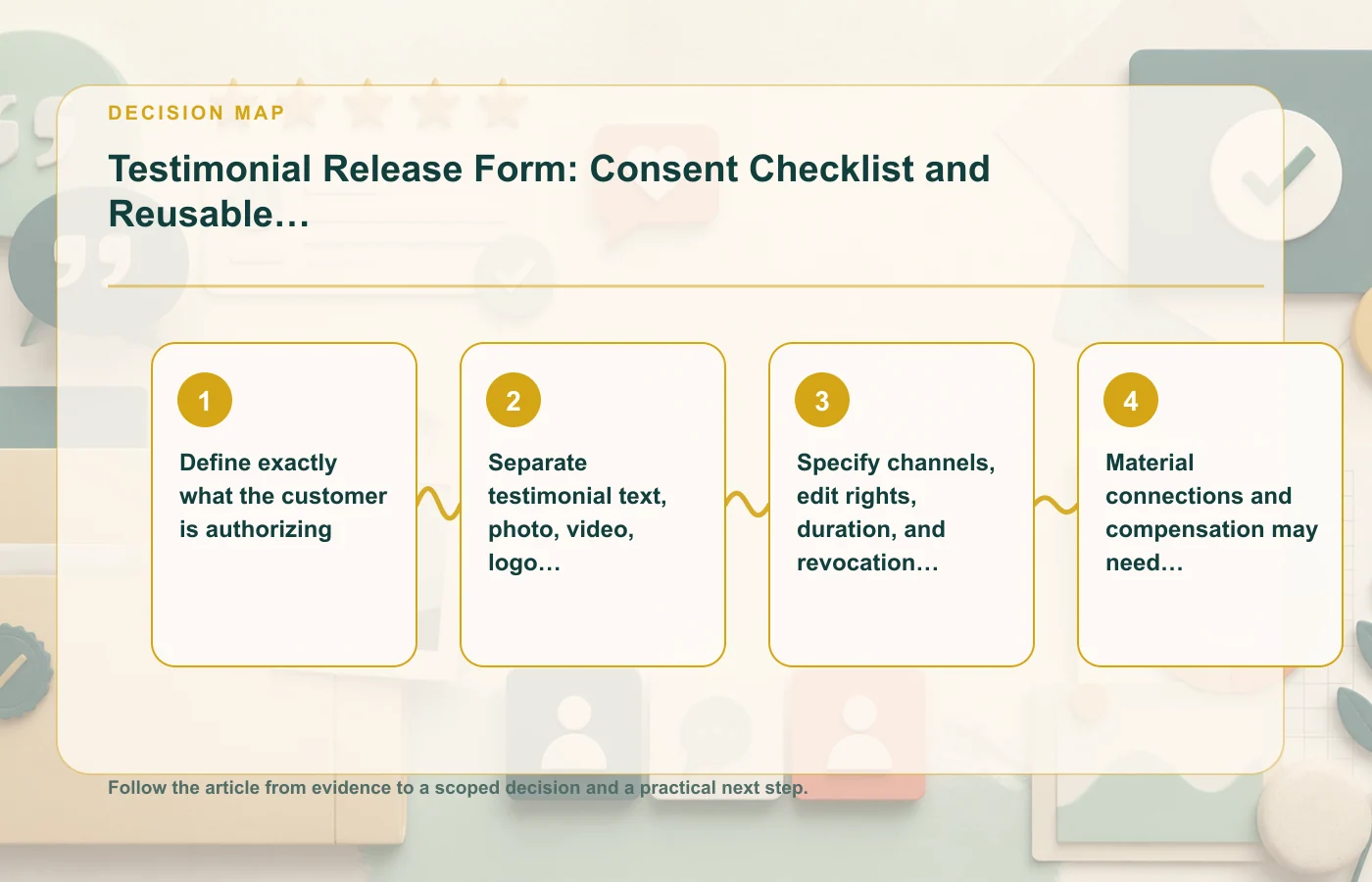
Define exactly what the customer is authorizing
The release should identify the person and the specific assets covered at the level needed for the planned campaign. If the business has a written testimonial today but may record video later, do not assume the original text release automatically covers the future recording. If the company wants to use the person's name and photo, make those permissions explicit rather than burying them inside a broad sentence.
Describe the asset and the use
A reusable consent record can identify the source testimonial or recording, the approved attribution, the channels where the company expects to publish it, and the type of editing allowed. The goal is clarity, not legal complexity. Another editor should be able to look at the record months later and decide whether a proposed reuse fits the original authorization.
- Identify the testimonial or source material.
- State which identity elements may appear with it.
- List or describe the intended channels at the appropriate level.
- Record agreed edit rights or restrictions.
- Explain how duration or revocation is handled when that is part of the agreement.
When a new campaign falls outside the documented scope, get the appropriate new permission instead of stretching the original wording.
Separate testimonial text, photo, video, logo, and name permissions
These assets carry different implications. A customer may be comfortable with an anonymous quote but not a headshot. They may approve their personal name but not have authority to grant use of their employer's logo. A video may include voice and image rights beyond the written testimonial. Keeping the permissions separate reduces ambiguity.
Use an asset matrix
| Asset | Possible approval state | Editorial note |
|---|---|---|
| Written quote | Approved / not approved / revision requested | Keep source and final edit |
| Photo | Approved for stated channels or excluded | Do not assume public profile photos are reusable |
| Video / voice | Approved recording and publication scope | Retain unedited source |
| Name / role | Full, partial, anonymous, or other approved form | Use exactly the approved attribution |
| Company logo | Separately approved where required | Confirm the person can authorize brand use |
A release does not eliminate the need to check the final presentation. If an editor shortens a quote, pairs it with a new headline, or changes the attribution, compare the new version with both the original evidence and the permission record.
The guide to collecting customer reviews without manipulation covers a separate collection workflow where permission and public-platform rules operate differently.
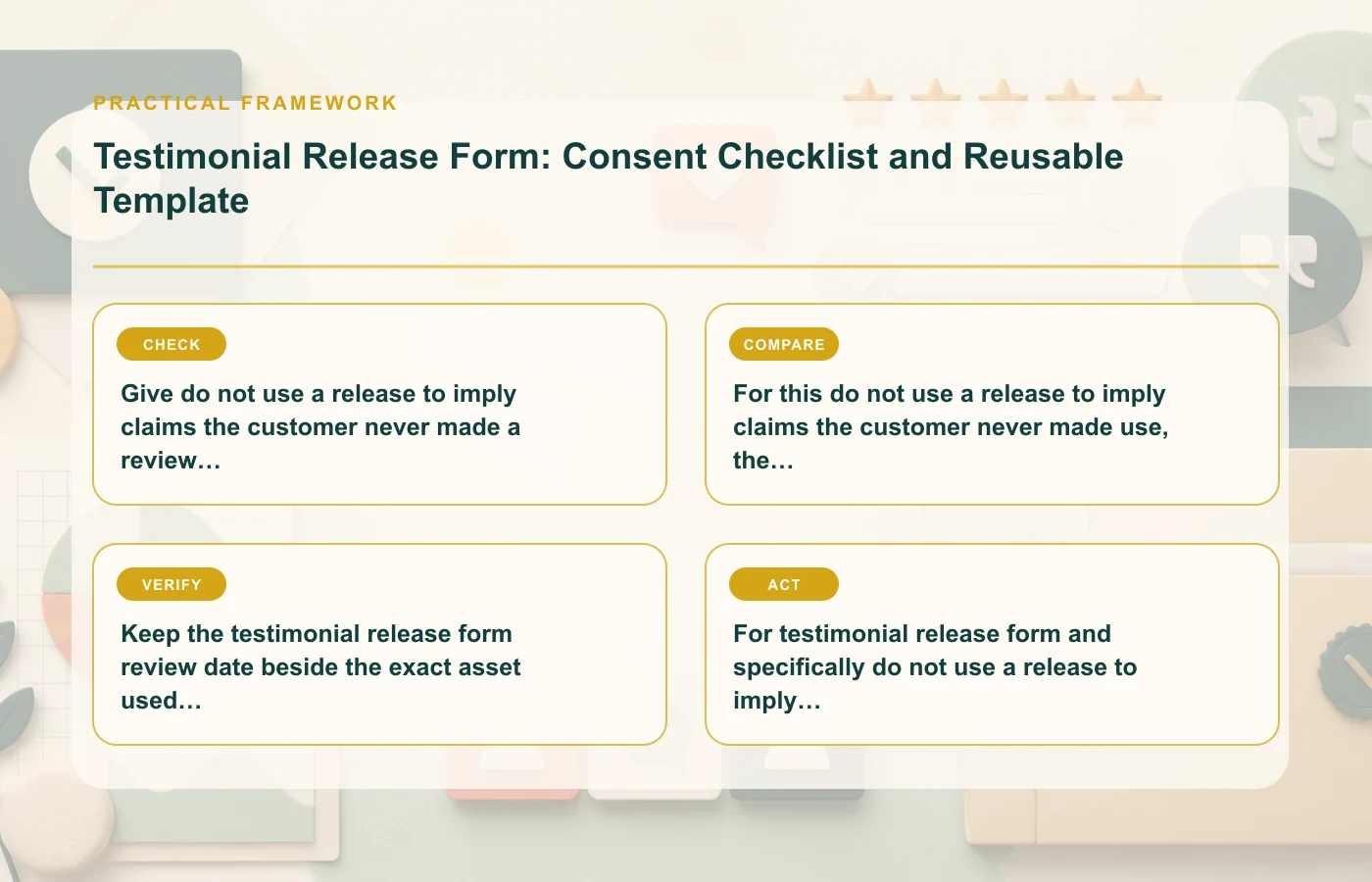
Specify channels, edit rights, duration, and revocation handling
Permission can become unclear when content travels. A quote collected for a website may later appear in paid social, sales decks, email, print material, or video. Define channel scope in a way that matches the actual campaign plan, and recheck the release when reuse expands beyond that scope.
Decide what "editing" permits
Marketing often needs to correct punctuation, shorten a long response, crop media, or create a short clip. A release should make the agreed edit boundary clear enough that the company does not treat permission to edit as permission to change meaning. Preserve the original asset so the final version can always be compared with the source.
Plan for time and change
If the permission includes a duration, renewal process, or revocation handling, record it in the asset system rather than relying on someone to remember. A content-management record can include an owner and review date so expired or withdrawn permissions do not remain live by accident.
Jurisdiction-specific language about publicity, privacy, employment, or other rights should be reviewed by qualified counsel. This article can organize the marketing questions, but it should not invent legal clauses for a location or relationship not described in the source.
Material connections and compensation may need disclosure beyond the release
A signed release tells you what the customer authorized. It does not necessarily tell the audience whether the customer received compensation, a free product, or another benefit that could affect how the endorsement is interpreted. FTC endorsement guidance can require disclosure of material connections even when the person has fully consented to publication.
Keep consent and disclosure as separate fields
| Question | Consent record | Disclosure record |
|---|---|---|
| May we publish this quote? | Yes/no and scope | Not answered by consent alone |
| May we use the photo? | Yes/no and scope | Not answered by consent alone |
| Was there compensation or another material connection? | May be noted | Determines whether/how disclosure is needed |
| Where will the content appear? | Defines permission scope | Can affect whether the connection is clear in context |
When the testimonial moves into a new channel, recheck both records. A connection that was obvious in the original context may no longer be apparent after a quote is extracted into a landing-page card or ad.
The online reputation management strategy article is useful for the broader governance of customer feedback, but a release remains an asset-specific permission record.
Do not use a release to imply claims the customer never made
Permission to publish a testimonial is not permission to rewrite the customer's experience into a stronger performance claim. If the customer said the process felt easier, the release does not allow the company to turn that into a quantified time-saving claim without separate evidence. If the customer discussed one product or period, the statement should not be expanded silently to another.
Compare the final creative with the source
- Check every quoted phrase against the original.
- Check every company-authored headline against the evidence it implies.
- Keep qualifiers that materially affect meaning.
- Do not combine separate statements into a new endorsement.
- Reapprove material changes when the consent process requires it.
This is especially important when a testimonial is reused. A quote can remain word-for-word accurate while becoming misleading because the surrounding claim changed.
If the customer later disputes the use, the release, source asset, edit history, and final publication record should be easy to locate. The negative-review response guide covers public response mechanics if a disagreement becomes visible, but the first priority is having a clear permission record.
Build a reusable testimonial permission record
The release form is one document inside a larger asset workflow. Store it with the testimonial source, approved identity details, disclosure information, edit history, and live placements. This prevents the form from becoming a file that was signed once and then disconnected from how the content is actually used.
Suggested internal checklist
- Source material retained.
- Specific assets covered by permission identified.
- Approved attribution recorded.
- Channels and edit scope recorded.
- Material connection reviewed separately.
- Final published version linked.
- Owner and re-review trigger assigned.
When the customer, product, channel, or campaign changes, use that record to decide whether the existing authorization still fits. If it does not, stop and obtain the appropriate new approval rather than relying on a broad interpretation.
Keep the release tied to every live placement
Permission management becomes difficult when a testimonial is copied into multiple systems. A quote may begin on the website, then appear in an email sequence, sales presentation, paid campaign, and social post. If the team stores only the signed form, it may not know where the asset is live when permission changes.
Maintain a placement list or asset ID that connects the release to each active use. When a customer requests a correction, attribution change, or removal under the process the company has established, the team can locate the affected placements without searching manually across campaigns.
| Placement record | Reason to track it |
|---|---|
| Live URL or campaign | Shows where the approved asset appears |
| Version used | Distinguishes full quote, excerpt, image, or video cut |
| Disclosure state | Confirms whether material-connection context travels with the asset |
| Last review | Shows when permission and context were last checked |
This small operational layer turns a release from a one-time legal artifact into a usable content-governance record. It also reduces the chance that an old version remains live after the approved wording or asset scope changes materially across channels or over time in active marketing use today.
FAQ: testimonial release forms
Does a release let me edit a testimonial however I want?
No. Editing should stay within the permission granted and should not change the meaning or create claims the customer did not make.
Is permission to use a quote the same as permission to use a photo or company logo?
Not necessarily. The source article specifically recommends separating testimonial text, photo, video, logo, and name permissions.
Does a signed release remove the need for FTC disclosure?
No. Material connections and compensation may still need disclosure. Consent to publication and disclosure to the audience are separate questions.
How this page was prepared
Reviewed by Social Proofs Standards Editor. Claims, terminology, and time-sensitive details were checked against the sources listed below and the page was last updated September 9, 2026.
AI-assisted tools supported research organization or drafting; editorial review remained responsible for source selection and the published conclusions.
Sources and verification
Primary and authoritative references used to verify this article: