
Review Request Email Templates: Timing and Follow-Ups
Build review-request emails around a real customer event, neutral wording, one clear action, and sensible stop conditions. Adapt the copy to delivery, service, renewal, or support.
A review-request email should make one thing easy: giving honest feedback about a completed experience. The strongest templates are short, specific about why the person is receiving the message, and neutral about what rating the business hopes to receive. Timing should come from the customer journey, not from a universal "send after X days" rule, and follow-ups should reduce friction rather than create pressure.
The source material also sets an important boundary. A review request should not imply that a positive rating is required to receive a benefit. If a business uses an incentive, the offer and disclosure requirements need to be checked against FTC guidance and the destination platform's policy. A reusable template therefore needs more than copy; it needs a send trigger, audience rule, stop condition, and policy owner.
| Customer event | Request focus | Timing logic |
|---|---|---|
| Service completion | Ask about the completed service | After the customer has had enough of the outcome to evaluate it |
| Product delivery | Ask about the delivered experience | After delivery, not merely after checkout |
| Renewal or milestone | Ask about the ongoing relationship | After a meaningful period or event |
| Support closure | Ask about the resolved interaction | After the issue is closed enough to assess |
| Follow-up | Repeat the request briefly | Only while the sequence remains appropriate and the customer has not opted out or responded |
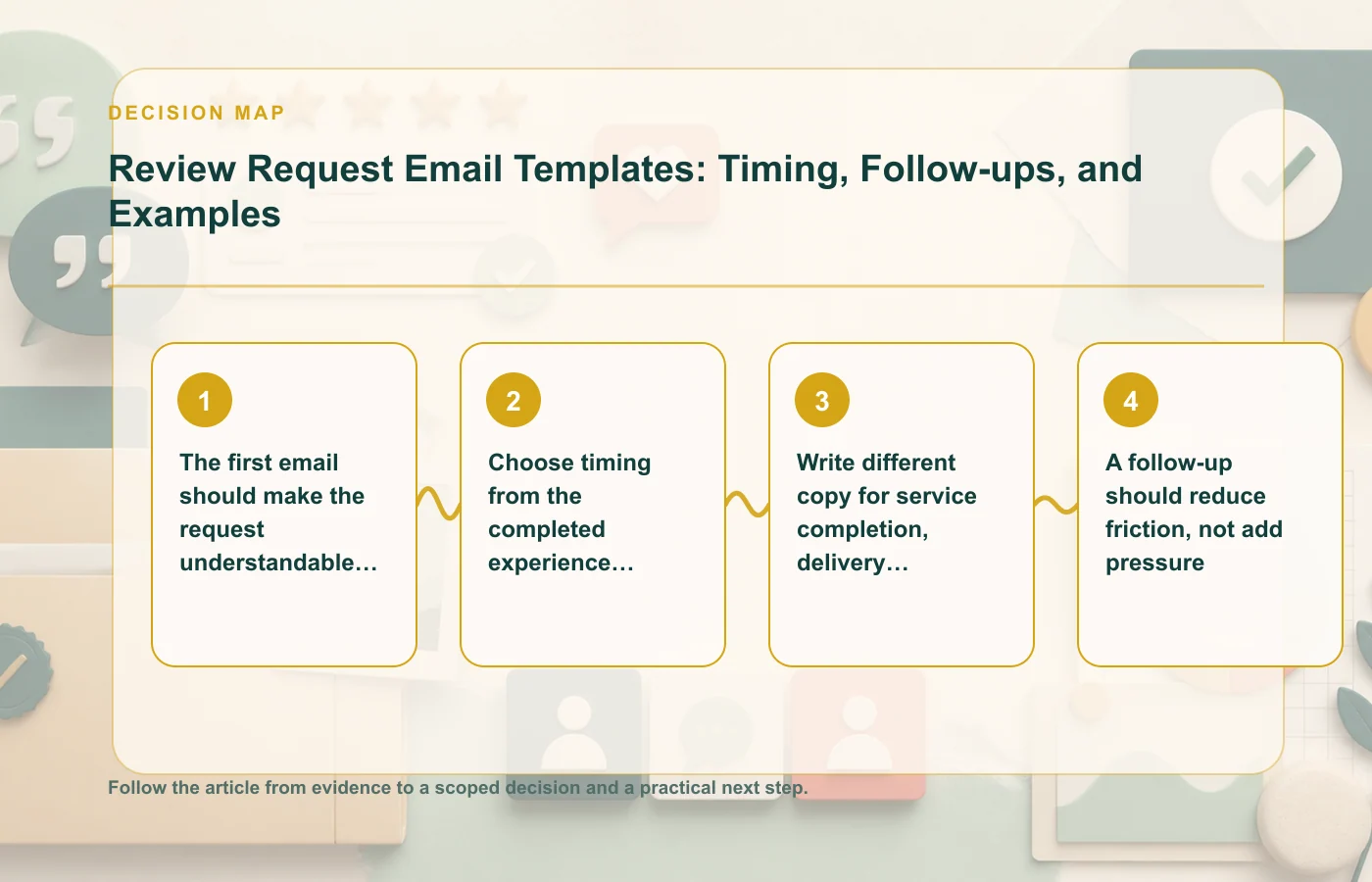
The first email should make the request understandable in one screen
Customers should not need to read a long campaign message to understand what you want. State the context, ask for honest feedback, provide the review link, and keep promotional copy out of the way. The message should make sense whether the customer had a positive, neutral, or negative experience.
A compact structure works best
- Context: remind the customer which completed experience the request relates to.
- Neutral ask: invite an honest review or description of the experience.
- Action: provide one clear link or button to the destination.
- Optional note: include any necessary incentive or policy disclosure in clear language.
Avoid wording that praises the customer in exchange for praise back. "We hope you loved it—leave us five stars" steers sentiment. A safer request asks for the customer's experience without predicting the answer.
Template framework: completed experience
Subject idea: Tell us about your experience
Body framework: "Thanks for choosing us for [completed experience]. If you have a moment, we'd value an honest review of how it went. You can share your feedback here: [review link]."
The framework is intentionally plain. Add only information that helps the recipient understand the request. If the campaign is tied to a specific review platform, make sure the message and any incentive follow that platform's rules.
Choose timing from the completed experience, not from a generic day count
"Send three days later" is not a strategy unless three days means something in the customer journey. The right timing depends on when the customer can reasonably evaluate what happened. A review request sent before delivery, before a service is complete, or while a material support issue is unresolved can feel careless and may produce low-quality feedback.
Define a reviewable event
Write down the event that makes the request appropriate. For a service, it may be completion. For a physical order, it is at least delivery and possibly enough time for use. For a support interaction, it is closure or another point where the customer can fairly judge the handling.
- Do not trigger from payment alone when the experience happens later.
- Delay when a material complaint or support case is still open.
- Suppress duplicates caused by multiple orders, tickets, or locations.
- Stop future reminders when the customer submits a review or opts out.
Follow-ups should also have a clear stop condition. Repeated pressure does not improve the credibility of the program.
Write different copy for service completion, delivery, renewal, and support closure
A single universal email often sounds vague because the customer journeys are different. Adapt the context line and request to the experience being reviewed while keeping the sentiment neutral.
Service completion
Reference the finished service, not the salesperson or the desired rating. Ask what the experience was like and provide the public review link. If the service still has unresolved follow-up work, delay the request until the interaction is genuinely reviewable.
Product delivery
Do not ask about the product before it arrives. Once delivery and a reasonable evaluation point have occurred, invite the customer to describe the experience. Avoid implying product-performance claims in the email itself.
Renewal or relationship milestone
For an ongoing service, tie the request to a meaningful milestone rather than pretending the relationship is "complete." The recipient should understand which period or interaction they are being asked to assess.
Support closure
A support-request template should not pressure someone who has just had a difficult experience. Confirm that the issue is closed enough to evaluate, then ask neutrally. Do not route a low satisfaction score into a private-only path while high scores receive the public review link.
If negative feedback does appear publicly, the negative-review response templates cover that separate workflow.
A follow-up should reduce friction, not add pressure
The purpose of a follow-up is to make the original request easy to complete, not to intensify the persuasion. Keep it shorter than the first email, repeat the review link, and avoid guilt, urgency, or language suggesting that the customer is letting the business down by not responding.
Template framework: one reminder
"Just a quick follow-up in case you meant to share feedback about [experience]. If you'd like to leave an honest review, you can do that here: [review link]. No action is needed if you'd rather not."
The exact wording can vary, but the logic should stay the same: neutral sentiment, simple action, and a stop condition. If the customer has already reviewed, opted out, opened a new support issue, or become otherwise ineligible, the automation should suppress the reminder.
The broader online reputation management workflow is useful when the organization needs to connect incoming reviews to monitoring, response, and service-improvement ownership.
Avoid language that implies a positive review is required
Bias can appear in subtle ways. Subject lines that ask for "five-star feedback," buttons that say "Tell everyone how much you loved us," or incentives framed as rewards for good reviews all push the request away from neutral feedback. Review the entire email, not just the main paragraph.
Check subject, body, button, and incentive together
| Element | Neutral direction | Risky direction |
|---|---|---|
| Subject | Ask for feedback or a review | Ask for a high rating |
| Body | Invite the customer's honest experience | Assume satisfaction and request confirmation |
| CTA | "Leave a review" | "Give us five stars" |
| Incentive | Sentiment-neutral where permitted | Conditioned on positive feedback |
If an incentive is offered, retain the campaign wording, eligibility rule, disclosure language, and destination-policy review. FTC guidance and platform rules should be rechecked when the campaign changes.
The article on getting more reviews without manipulation covers the audience and eligibility side of the same problem.
Build the email as a workflow, not a document
The copy is only one layer. A reliable review-request program also needs audience selection, event tracking, deduplication, suppression rules, opt-outs, and a record of which template version was sent. Without those controls, even well-written neutral copy can reach customers at the wrong time or too many times.
Minimum workflow record
- The qualifying customer event.
- The exact email and subject line sent.
- The destination review platform.
- Any incentive and disclosure language.
- Whether the customer reviewed, opted out, or became suppressed.
- The date platform rules were last checked.
That record makes changes safer. If the team updates a subject line, adds an incentive, changes the destination, or introduces a new follow-up, reviewers can see exactly what changed rather than treating the template as an isolated piece of copy.
Use different context lines without changing the neutral ask
Teams sometimes over-customize review emails until every department has a different tone and standard. A safer approach is to keep the core request neutral while changing only the context needed to make the message relevant. That gives the customer a clearer reason for the email without creating inconsistent sentiment cues across journeys.
| Journey | Context line example | Neutral ask |
|---|---|---|
| Completed service | "Your recent service with us is now complete." | "If you'd like, share an honest review of the experience." |
| Delivered order | "Your order has been delivered." | "Tell us how the experience went." |
| Support case | "Your recent support case has been closed." | "You're welcome to review the support experience." |
| Ongoing relationship | "You've reached a meaningful service milestone." | "If you have enough experience to evaluate us, we'd value your honest feedback." |
These are frameworks rather than promises about what happened. If a system cannot reliably confirm that delivery, completion, or closure occurred, do not insert the statement automatically. Trigger quality is part of copy accuracy.
Run a pre-send QA check on every template version
Before a new template goes live, test it as a complete message. Read the subject line, preview text, body, button label, incentive language, footer, and follow-up sequence together. Sentiment steering can enter through any of those elements even when the main paragraph looks neutral.
- Can a dissatisfied customer receive this message without feeling that a positive answer is expected?
- Does the button lead directly to the stated destination?
- Is any incentive described exactly as approved?
- Does the message avoid exposing order or account details unnecessarily?
- Will the workflow stop after a review, opt-out, or material support issue?
Keep the approved version with a date and owner. That makes it possible to compare future edits and to retire outdated templates when platform rules, incentive terms, or customer journeys change materially over time across teams, channels, and active marketing campaigns.
FAQ: review-request emails
How many follow-ups should I send?
The source material does not set a universal number. Use a clear stop condition, avoid repeated pressure, and make the follow-up a friction-reduction step rather than a more aggressive ask.
Can I use the same template for every customer journey?
You can reuse a neutral structure, but the context and timing should match the completed experience. Service completion, delivery, renewal, and support closure are different review moments.
Can a review request include an incentive?
If it does, review the offer against FTC guidance and the destination platform's policy. Do not imply that a positive rating is required to receive the benefit.
How this page was prepared
Reviewed by Social Proofs Standards Editor. Claims, terminology, and time-sensitive details were checked against the sources listed below and the page was last updated August 24, 2026.
AI-assisted tools supported research organization or drafting; editorial review remained responsible for source selection and the published conclusions.
Sources and verification
Primary and authoritative references used to verify this article: