
Automated Review Requests: Workflow and Safeguards
Build automated review requests around reviewable events, neutral routing, deduplication, appropriate delays, and suppression rules. Audit the workflow as carefully as the email copy.
Automated review requests are useful when they turn a fair manual process into a repeatable one. They become risky when automation decides who is "likely to be happy," sends messages before an experience can be evaluated, duplicates contacts across systems, or continues to chase customers after a review, opt-out, or unresolved support issue.
The workflow should begin with a real completed or reviewable customer event and use rules that do not predict or filter for positive sentiment. FTC guidance on reviews remains relevant, and the program should preserve records showing who received the request, what wording or incentive applied, and which platform rules were relied on when the sequence was approved.
| Automation layer | Required decision | Failure to prevent |
|---|---|---|
| Trigger | What real event makes the experience reviewable? | Sending before delivery, completion, or meaningful use |
| Eligibility | Which customers qualify under a neutral rule? | Filtering by predicted sentiment |
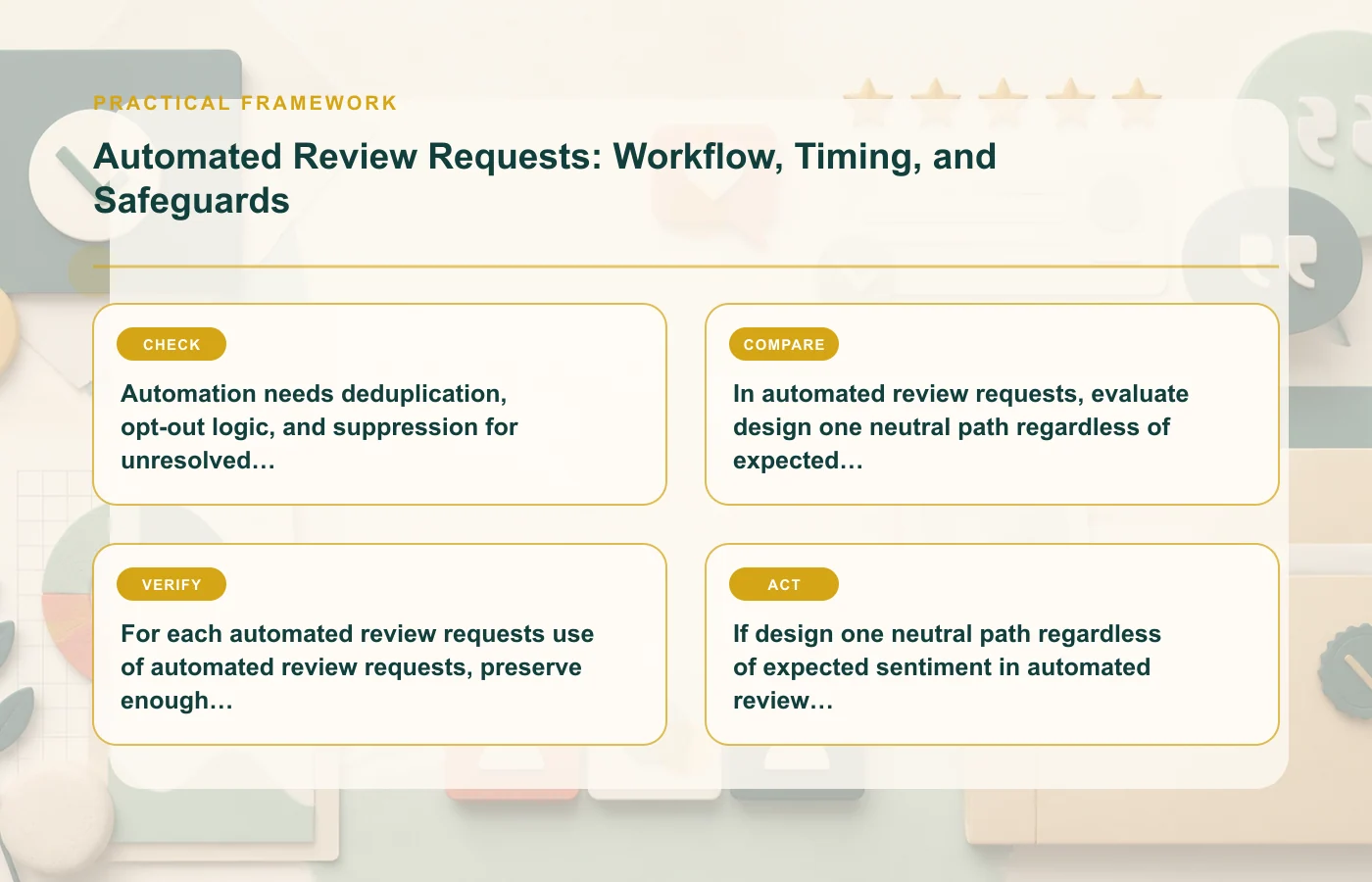
| Deduplication | Which records represent the same person or experience? | Multiple requests from orders, tickets, or locations |
| Delay | How long after the qualifying event is appropriate? | Generic timing detached from the journey |
| Stop logic | What ends or suppresses the sequence? | Pressure after review, opt-out, or support escalation |
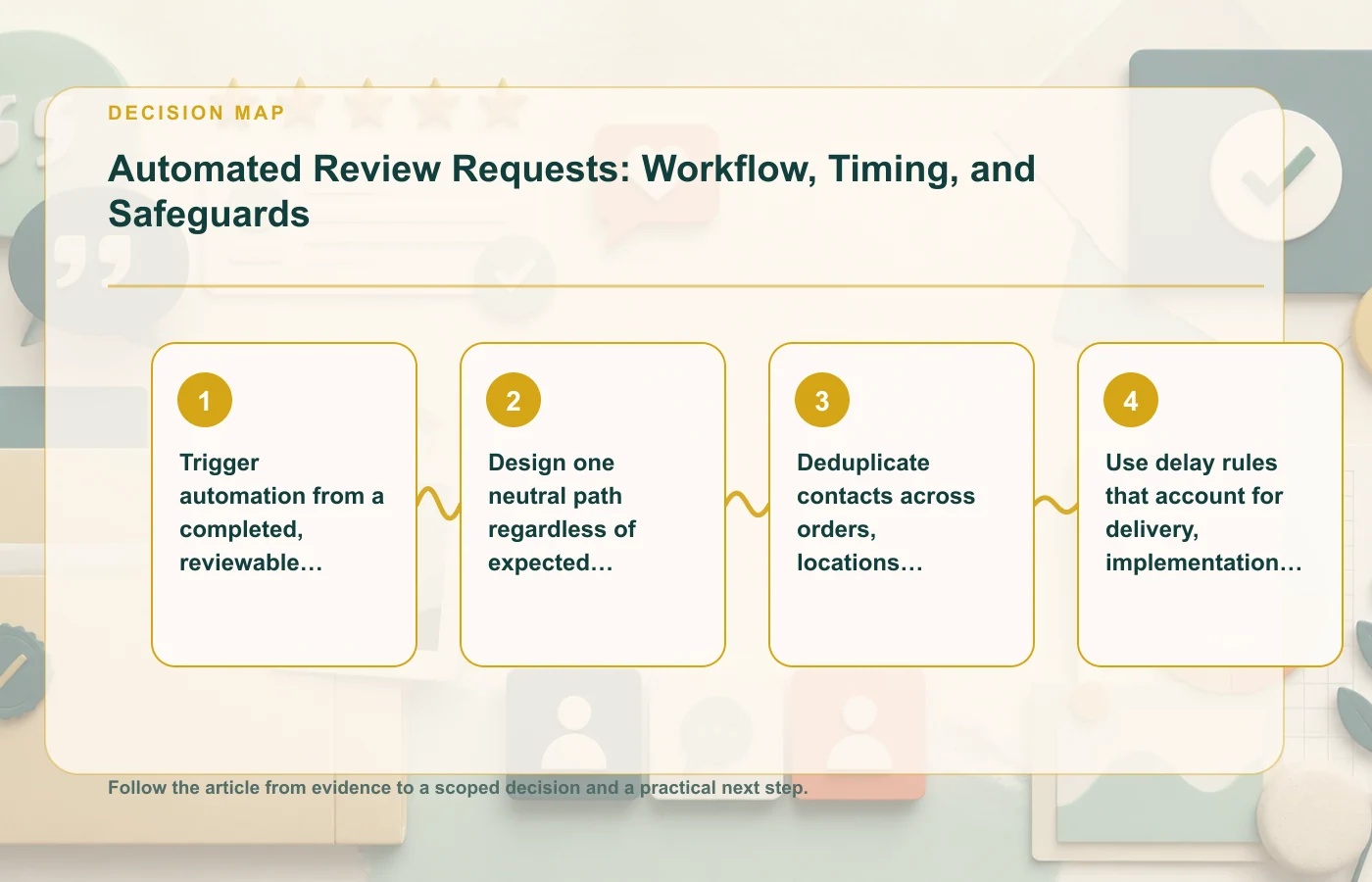
Trigger automation from a completed, reviewable customer event
The trigger should describe something that actually happened, not simply that a contact entered the CRM. A purchase may be too early if the product has not arrived. A support ticket opening is too early if the customer is still trying to solve the problem. A service booking is not the same as service completion.
Define the event in business language first
Before configuring automation, write the rule in plain language: "send after [reviewable event], unless [documented suppression condition]." Then map the technical fields to that rule. This makes the workflow easier to audit and prevents hidden logic from drifting away from the intended customer experience.
- Use delivery or completion status when that is what makes review possible.
- Delay the request while a material support issue is unresolved.
- Do not treat payment confirmation as proof that the experience is complete.
- Record which system supplies the trigger and how failures are handled.
A real trigger also makes reporting more meaningful because the team can compare eligible experiences with requests actually sent.
Design one neutral path regardless of expected sentiment
Automation should not create a "happy customer" lane to public review sites and a "dissatisfied customer" lane to private feedback. That is review gating. The public review request should be available according to the same eligibility logic regardless of how the company predicts the customer will respond.
Keep private surveys separate from public-review routing
A private satisfaction survey can support service improvement, but its score should not decide who is allowed to receive the public review link. If the company wants both a private survey and a public review request, document the purposes separately and ensure the public path is not conditional on a positive private answer.
The adjacent negative-review response guide explains what to do after criticism appears. Collection automation should not try to prevent legitimate criticism from appearing in the first place.
Deduplicate contacts across orders, locations, and service tickets
A customer can appear several times in operational systems. One person may place multiple orders, interact with several locations, or open more than one support ticket. If every record starts an independent sequence, the customer can receive repeated requests that feel like pressure even though each automation technically behaved as configured.
Choose the unit you are reviewing
Decide whether the request is about a transaction, a service episode, a support interaction, or a broader relationship. Then deduplicate at that level. There is no universal identity rule, but the logic should prevent multiple systems from treating the same underlying experience as separate review opportunities.
| Duplicate source | Control |
|---|---|
| Multiple order records | Define whether each fulfilled order deserves its own request or whether a cooldown applies |
| Multiple locations | Resolve whether location-specific feedback is the intended destination |
| Support tickets | Suppress while related issues remain unresolved |
| CRM and ecommerce systems | Use a shared customer or campaign suppression record where possible |
Program records should show who received the request, which event qualified them, and what version of the message was sent. That is more defensible than trying to reconstruct the sequence after a complaint.
Use delay rules that account for delivery, implementation, or issue resolution
A fixed delay is useful only when it reflects the experience. Different journeys may need different clocks. Product delivery, professional service completion, software implementation, and support closure do not become reviewable at the same moment.
Delay based on readiness, not arbitrary cadence
Map each automation to the event after which the customer has enough information to evaluate the experience. If an issue opens during the delay, suppress or pause the request. When the issue is resolved, the workflow can reevaluate eligibility rather than blindly resuming an old timer.
That logic prevents awkward messages such as asking for a review while the customer is waiting for a replacement or still reporting a failed implementation. It also reduces the temptation to use a single short delay simply because it maximizes message volume.
For the wider collection strategy, the guide to getting more reviews without manipulation covers neutral eligibility and incentive boundaries.
Build opt-outs and stop conditions into the sequence
Every automated sequence needs a clear end. Stop after the customer submits a review, opts out, becomes ineligible, or reaches the planned end of the sequence. A new material support issue can also be a reason to suppress the next message until the experience is reviewable again.
Store suppression centrally enough to work
An opt-out that exists only in one campaign can fail when another location, product, or system launches its own request. Design the data flow so the relevant suppression condition reaches the systems that can otherwise contact the customer again.
- Stop reminders after a recorded review where the workflow can detect it.
- Respect channel opt-outs.
- Suppress unresolved material complaints.
- Expire the sequence instead of retrying indefinitely.
- Record manual overrides and why they were used.
The online reputation management strategy article can help connect resulting reviews to monitoring and response ownership.
Audit the automation as a policy-controlled system
Review-request automation changes over time: trigger fields are renamed, CRM workflows are duplicated, new locations are added, incentive campaigns launch, and platform rules change. Give the program an owner and a periodic audit rather than assuming the original configuration remains safe.
Keep an approval record for each active sequence
- Trigger and qualifying event.
- Eligibility and suppression logic.
- Exact message and follow-up versions.
- Destination review platform.
- Any incentive and disclosure language.
- Date the relevant platform policy was checked.
- Owner for technical and editorial changes.
When any of those elements change, recheck the sequence as a whole. A neutral email can become problematic if the audience filter becomes biased, and a fair audience rule can be undermined by new copy that asks for positive sentiment.
Test the sequence with edge cases before sending it live
Happy-path testing is not enough. The most important automation failures usually appear when the customer journey does not follow the expected sequence. Build test records for common edge cases and confirm that the system suppresses or delays messages correctly.
| Test case | Expected behavior |
|---|---|
| Order paid but not delivered | No product-experience review request yet |
| Delivery complete, support issue opened | Pause or suppress until the issue is resolved enough to review |
| Customer appears in two systems | One request path according to the deduplication rule |
| Customer already opted out | No new request from another campaign instance |
| Customer submitted a review | Stop reminders where the system can identify submission |
| Incentive campaign added | Recheck wording, eligibility, disclosure, and destination policy before launch |
Keep evidence of the test alongside the workflow configuration. This gives operators a baseline when fields, integrations, or timing rules change later.
Monitor failures that can create customer pressure
Automation reporting should include more than opens and clicks. Watch duplicate-send rate, messages sent to suppressed contacts, requests triggered before the qualifying event, and sequences that continue beyond the intended stop condition. Those errors matter because they affect fairness and customer experience even if campaign performance looks strong.
When a failure occurs, fix the underlying rule rather than excluding the complaining customer manually. A manual exception can solve one incident while leaving the same defect active for everyone else. Treat operational complaints about the review-request program as inputs to workflow QA.
Separate experimentation from eligibility
It is reasonable to test subject lines, message length, or the placement of the review link, but do not let experimentation change who is invited based on expected sentiment. Keep the eligibility population stable enough that the test measures presentation rather than a hidden audience-selection effect.
If a variant introduces an incentive or substantially changes disclosure context, treat it as a policy change, not merely a copy test. Route it through the same approval process used for the original campaign. Document what changed, who approved it, and when the revised sequence should be reviewed again as the platform and customer journey continue to evolve.
FAQ: automated review requests
Can I trigger a review email right after purchase?
Only if purchase itself is the reviewable experience. For many journeys, delivery, completion, implementation, or issue resolution is the more relevant trigger.
Can automation suppress customers with low satisfaction scores?
Using predicted or reported sentiment to decide who gets the public review path creates the review-gating problem described in the source material. Use neutral eligibility instead.
What should stop a sequence?
At minimum, build explicit handling for review submission where detectable, opt-out, ineligibility, unresolved material support issues, and the planned end of the sequence.
How this page was prepared
Reviewed by Social Proofs Standards Editor. Claims, terminology, and time-sensitive details were checked against the sources listed below and the page was last updated August 28, 2026.
AI-assisted tools supported research organization or drafting; editorial review remained responsible for source selection and the published conclusions.
Sources and verification
Primary and authoritative references used to verify this article: