
User-Generated Content Examples: Formats and Placement
Use customer photos, videos, Q&A, and community posts where they answer a real buyer question. Keep permissions, attribution, and material-connection disclosures attached.
User-generated content is useful because it can show a product, service, or customer experience from a perspective the brand did not write itself. That does not make every customer photo, quote, video, community post, or Q&A answer interchangeable. Each format supports a different kind of claim, carries different permission requirements, and can change meaning when it is moved from a customer-controlled context into brand marketing.
The first editorial question is therefore not "where can we place UGC?" but "what does this asset actually prove?" A demonstration may show how someone used a product. A photo may help with visual context. A community answer may resolve a narrow question. None of those automatically supports a broad performance claim. When customer-created material is repurposed as advertising, or when compensation or another material connection could affect how audiences interpret it, FTC endorsement guidance remains relevant.
| UGC format | Useful for | Editorial check before reuse |
|---|---|---|
| Customer photo | Visual context, fit, setup, or real-world appearance | Permission, edits, caption accuracy |
| Demonstration video | Showing a process or use case | What the video actually demonstrates; any incentive |
| Customer Q&A | Answering a specific purchase question | Whether the answer is still accurate and attributable |
| Community post | Showing discussion, use patterns, or customer language | Context, platform terms, identity and permission |
| Creator or incentivized post | Marketing content with a customer or creator voice | Material-connection disclosure and usage rights |
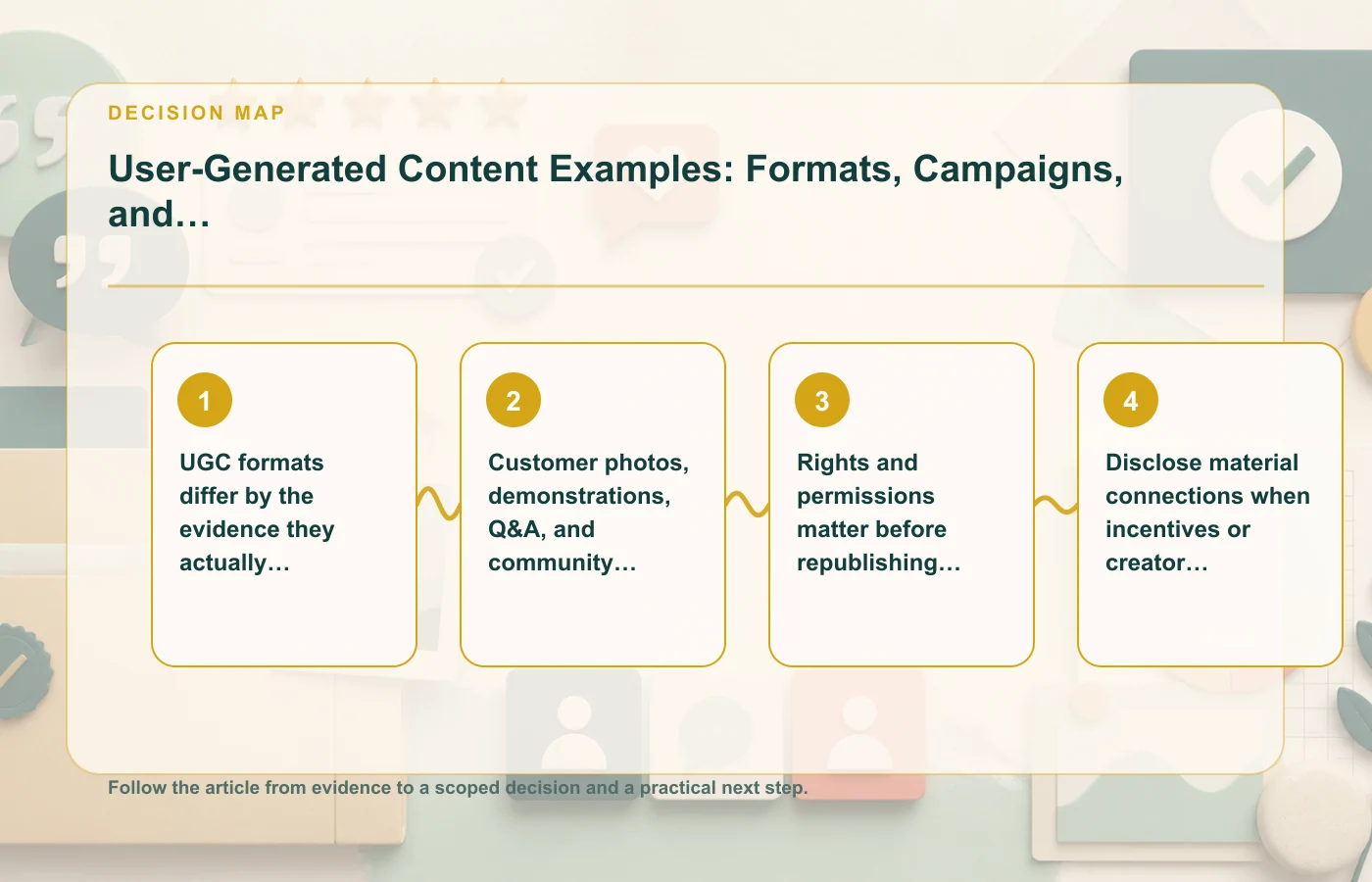
UGC formats differ by the evidence they actually contain
Start by classifying the evidence, not the visual style. A polished photo and a rough phone video can both be useful, but they may answer completely different questions. The same is true of a short quote and a detailed community discussion. If the asset does not show or state the point you want to make, placement cannot repair that gap.
Match the asset to a narrow claim
- Photos can help a shopper understand appearance, scale, setup, packaging, or context when those details are genuinely visible.
- Demonstrations can illustrate how a person used something, but they should not be edited into a broader performance promise.
- Q&A is strongest when a real customer answer addresses one concrete question and remains current.
- Community posts can provide language and context, but extracting one sentence may remove the caveats that made the original post fair.
Keep the source record attached to the published asset. That record should make it possible to see where the material came from, what was changed, what permission exists, and whether an incentive or other relationship matters. If the brand later crops an image, shortens a quote, or combines material into a new creative, compare the new version against the original before publishing.
For a broader map of proof types and where they fit, see social proof examples and placement patterns. The useful connection is evidence type, not simply visual similarity.
Customer photos, demonstrations, Q&A, and community posts serve different jobs
Good UGC programs resist the urge to turn every asset into a testimonial. A customer may post a photo because they like the setup, ask a question because something is unclear, or share a workaround in a community. Those are valuable forms of evidence precisely because they are specific. Reframing all of them as endorsements can make the marketing less accurate.
Use photos and video to reduce visual uncertainty
Visual UGC can help when buyers want to understand how something looks or is used outside a studio image. The caption should stay close to what the asset can support. If the brand adds a claim about quality, durability, results, or performance that the customer did not make, the customer content no longer substantiates that claim.
Use Q&A and community material to answer questions
Text-based UGC is often most useful near the question that prompted it. A product-specific answer can be more useful beside specifications or setup information than in a generic testimonial carousel. Community material may contain caveats, corrections, or replies from other participants; preserve enough context that the extracted quote does not reverse or exaggerate the original meaning.
Moderation should focus on relevance, safety, privacy, and policy rather than selectively keeping only praise. If a piece of UGC is not suitable for publication, document the reason rather than building a process that quietly filters by sentiment.
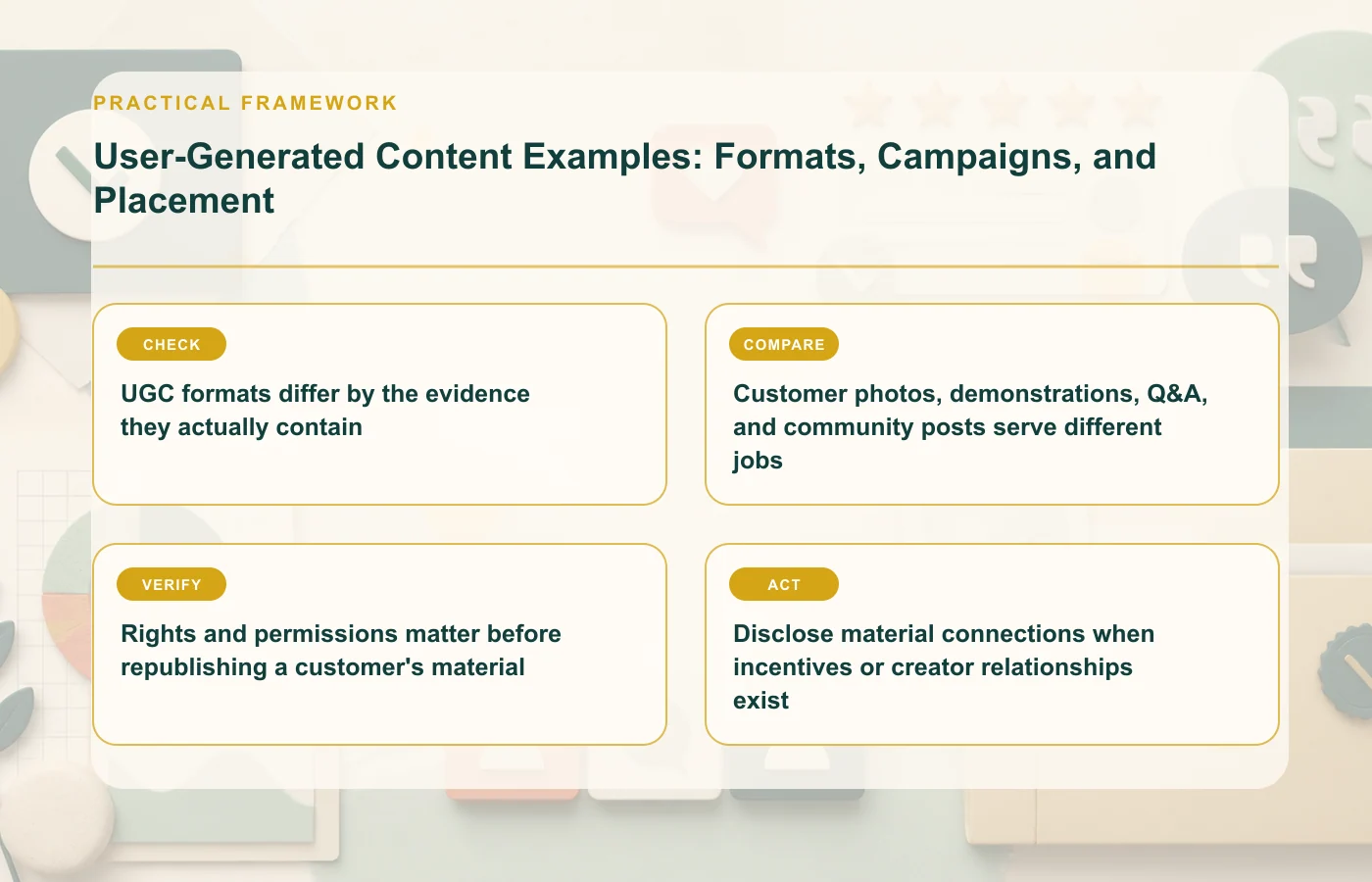
Rights and permissions matter before republishing a customer's material
A customer posting something publicly does not automatically answer every question about brand reuse. Before copying a photo, video, quote, username, logo, or other identifying material into a website, ad, email, or social campaign, use a permission process appropriate to the asset and channel. The record should be clear enough that another editor can later see what was authorized.
Capture permission at the asset level
A practical permission record identifies the specific material, the customer or creator, the channels where the brand expects to use it, and any agreed limits. If the approved use changes, recheck the permission instead of assuming that consent for one placement covers every future campaign.
- Keep the original file or source link.
- Record the date and wording of the permission.
- Preserve any restrictions on editing, attribution, duration, or channel.
- Track whether the customer later asks for removal or correction.
For campaigns using social-proof notification formats, the same provenance requirement applies. The guide to social proof notifications, ethics, and testing explains why the presentation layer should never outrun the source record.
Disclose material connections when incentives or creator relationships exist
UGC can look independent even when the brand paid for it, supplied free product, offered another benefit, or maintains a creator relationship. That context can matter to how an audience interprets the endorsement. FTC endorsement guidance applies when a material connection could affect that interpretation, so disclosure cannot be treated as an optional note buried in an internal file.
Keep disclosure connected to the content
If an incentive or relationship requires disclosure, the disclosure should travel with the reused asset rather than disappear when the content moves from one channel to another. Repurposing a creator video from social media to a landing page, for example, should trigger a new publication review: is the relationship still apparent in the new context, and is the wording accurate?
Do not "clean up" UGC so aggressively that an incentivized asset starts to look like an unsolicited independent review. Editing can improve readability or framing, but it should not erase information that changes how the audience would understand the source.
Place UGC where it resolves a concrete purchase question
The strongest placement is usually near the uncertainty the asset can reduce. Instead of creating a single page-wide UGC block, map customer evidence to the decision it helps with. A photo may belong near a fit or setup question. A demonstration may belong near instructions or feature explanation. A Q&A answer may belong beside the specification it clarifies. A community quote may be more useful in a detailed guide than in the hero.
Use placement as an editorial test
Ask two questions before publication: "What is the reader trying to decide here?" and "Does this customer material provide evidence for that decision?" If the answer to the second question is weak, moving the asset higher on the page will not make it stronger.
Placement also affects disclosure and attribution. A cropped quote in a small card may need different surrounding context than the original community post. A video embedded in an ad may need a visible disclosure that was already clear on the creator's original page. Keep those differences in the publication checklist.
When the main question is trust architecture rather than UGC itself, the trust signals articles provide a better next step.
Build a reusable UGC evidence record
Scale creates a second problem: a team may collect permission correctly once and then lose the context as the asset is copied into new campaigns. Avoid that by giving every reusable item a small evidence record. It does not need to be complicated, but it should travel with the asset rather than live only in one employee's inbox.
| Record field | Why it matters later |
|---|---|
| Original source | Lets an editor compare the published version with what the customer actually posted or supplied |
| Permission status | Shows which uses were authorized and whether restrictions apply |
| Edit history | Makes cropping, shortening, caption changes, and composites reviewable |
| Material connection | Prevents a paid or incentivized asset from losing necessary context during reuse |
| Review or removal status | Shows whether the asset is still approved and current |
This record is especially important when teams use the same customer material across product pages, paid campaigns, lifecycle email, and social posts. The visual may be identical, but the audience and surrounding claim can change. A permission or disclosure decision that worked in one context should be rechecked when the context changes.
It also gives marketing, legal, and customer-support teams a common reference. Instead of debating from memory, they can inspect the original asset, the customer's authorization, and the current placement. That reduces the temptation to keep using a successful creative after its permission, product context, or disclosure status has changed. It also makes corrections easier because the team can identify every placement that depends on the same underlying original customer asset record reliably.
FAQ: using customer-created content responsibly
Is all UGC a testimonial?
No. Customer-created material may be descriptive, instructional, conversational, or critical rather than an endorsement. Label and place it according to what the source actually communicates.
Can a brand edit customer content?
Editing may be possible when permission allows it, but the edit should not change the meaning or create a claim the customer did not make. Keep the original so the published version can be checked later.
Does public posting equal permission to use content in ads?
The source text does not support that assumption. Use a rights and permission process appropriate to the asset and channel before republishing customer material in brand-controlled marketing.
How this page was prepared
Reviewed by Social Proofs Standards Editor. Claims, terminology, and time-sensitive details were checked against the sources listed below and the page was last updated August 12, 2026.
AI-assisted tools supported research organization or drafting; editorial review remained responsible for source selection and the published conclusions.
Sources and verification
Primary and authoritative references used to verify this article: