
Trust Signals for Websites: A Page-by-Page Checklist
Choose trust signals by visitor risk and page purpose, then verify that policies, identity, reviews, security cues, and claims actually support the decision.

A trust signal is useful when it helps a visitor verify identity, competence, experience, safety, or recourse. The same green shield icon can mean a current external certification, an ordinary HTTPS connection, or nothing at all. Meaning comes from the claim, scope, issuer, and verification route, not the visual treatment.
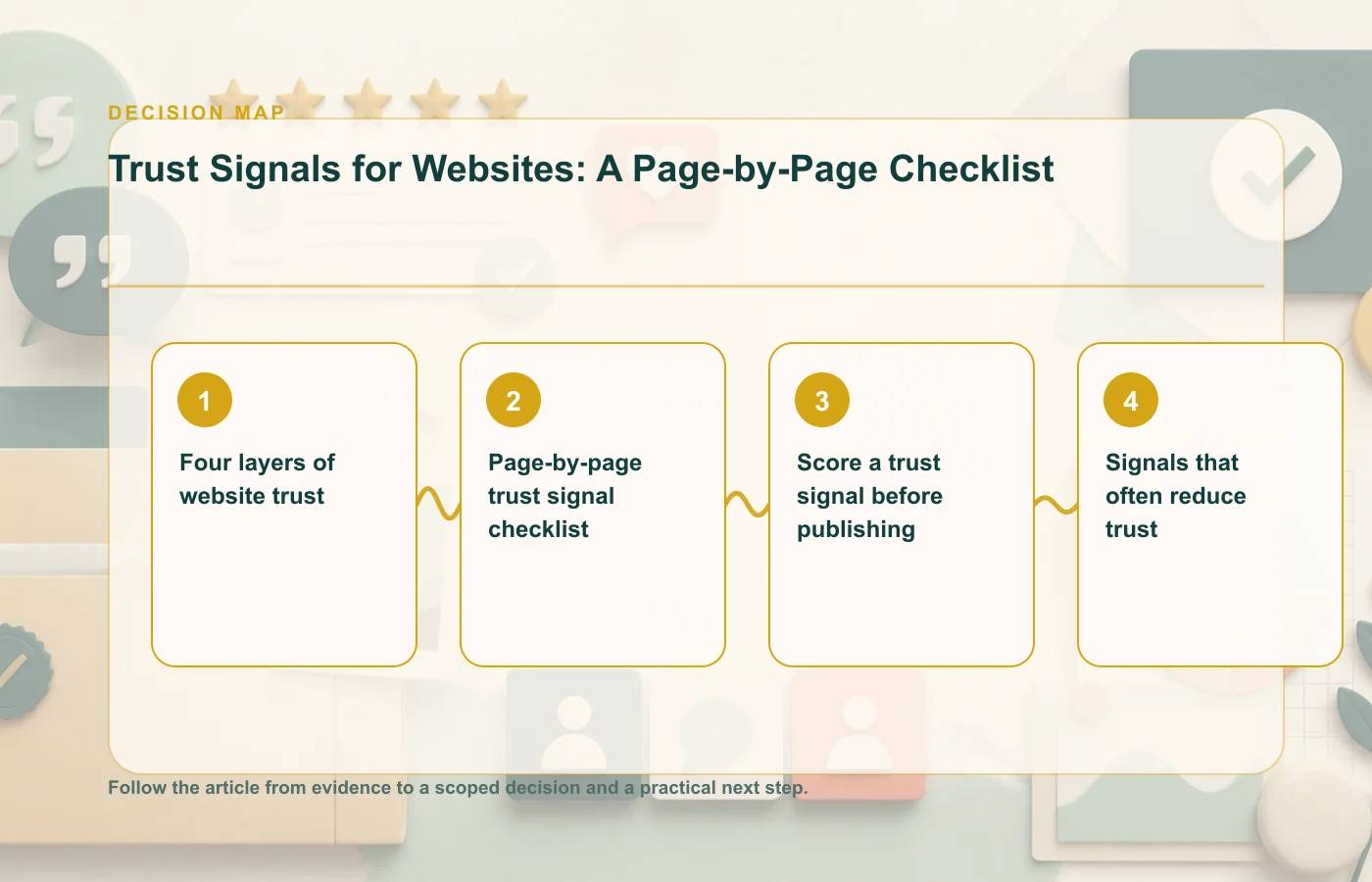
Four layers of website trust
Who operates the site, how to contact them, and where responsibility sits.
What the organization has done, for whom, with which method and limits.
Price, billing, delivery, cancellation, privacy, security, and support expectations.
Reviews, references, credentials, coverage, and records a visitor can verify elsewhere.
Page-by-page trust signal checklist
Homepage
- A literal explanation of the offer and intended audience.
- A visible route to the operator, contact details, and current policies.
- One or two evidence patterns tied to core claims.
- Accurately labeled customer, partner, press, or integration logos.
Product or service page
- Scope, deliverables, prerequisites, and meaningful exclusions.
- Relevant testimonial or case study beside the claim it supports.
- Current screenshots, examples, specifications, or process evidence.
- Named support and implementation expectations.
Pricing page
- Billing period, currency, taxes, renewal, and cancellation terms.
- A clear comparison based on real plan differences.
- Value evidence from customers with similar use cases.
- No preselected add-on or urgency signal that obscures the total commitment.
Checkout, signup, or lead form
- Purpose for each requested field and a route to privacy information.
- Total price or a plain explanation of what happens after submission.
- Relevant security scope and payment-provider identity.
- Readable guarantee, return, or cancellation terms near the action.
- Persistent access to help without interrupting keyboard use.
Contact and support
- Real contact channels and expected response windows.
- Legal or operating identity where appropriate.
- Escalation or complaint route.
- Consistent help placement across repeated page types.
Score a trust signal before publishing
| Criterion | Question | Pass condition |
|---|---|---|
| Relevant | Does it answer a doubt on this page? | A visitor can connect it to the next decision. |
| Specific | Does it define scope, subject, and time? | The signal cannot be read as a broader claim. |
| Verifiable | Can the evidence be checked? | A source, record, or responsible owner exists. |
| Current | Is it still true? | An update date and review cadence exist. |
| Accessible | Can people perceive and operate it? | Meaning is not color-only; controls work by keyboard. |
Score each criterion as zero or one. A signal scoring below four should be strengthened, relabeled, moved, or removed. The number is not a scientific trust score; it is a publishing gate that makes assumptions visible.
Signals that often reduce trust
- Stock portraits attached to unattributed quotes.
- Self-awarded "best" badges that resemble independent certification.
- Security icons that imply protection beyond their actual scope.
- Ratings with no count, scale, source, or visible review content.
- Customer logos without permission or relationship labels.
- Timers, viewer counts, or purchase alerts generated from random data.
- Policy links that contradict the promise near the button.
For concrete formats, use the social proof examples library. For moving activity patterns, review the notification integrity checklist.
Sources
How this page was prepared
Reviewed by Social Proofs Standards Editor. Claims, terminology, and time-sensitive details were checked against the sources listed below and the page was last updated August 6, 2026.
AI-assisted tools supported research organization or drafting; editorial review remained responsible for source selection and the published conclusions.
Sources and verification
Primary and authoritative references used to verify this article: