
Review Schema Markup: Eligibility, Examples, and Common Errors
A plain-English guide to Review and AggregateRating structured data, including supported types, self-serving review limits, visible-content rules, and testing.
Review structured data describes review content that is already visible on a page. It does not make a testimonial true, turn an ineligible subject into an eligible one, or guarantee stars in search results. Google decides whether a rich result appears even when markup is valid.
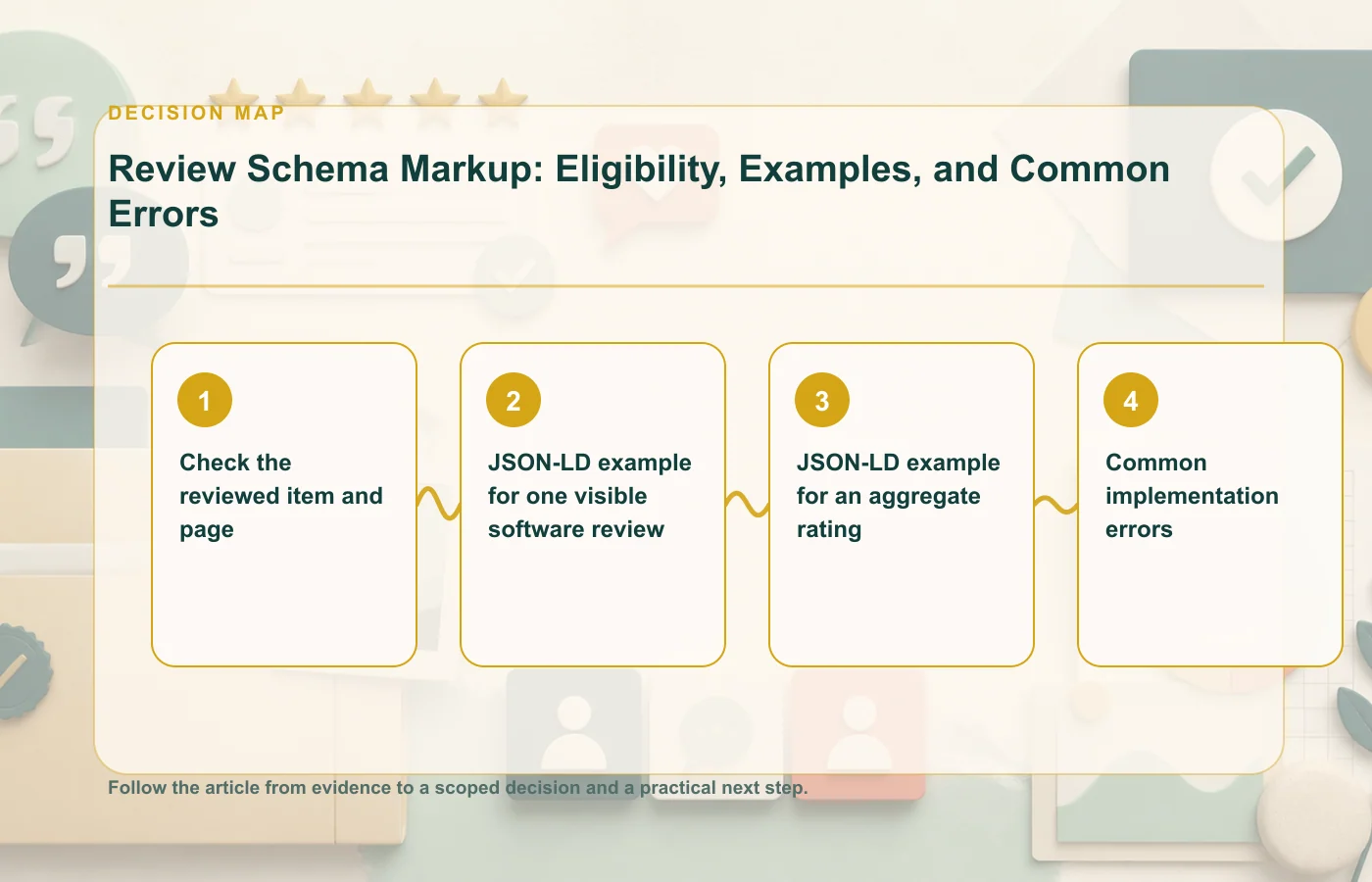
Check the reviewed item and page
- The page is primarily about one identifiable item or a legitimate list of reviewed items.
- The reviewed item uses a type supported by Google's current review snippet documentation.
- The review text or aggregate rating represented in JSON-LD is visible to visitors.
- The rating scale, value, count, author, and reviewed item agree with the displayed content.
- The page follows general structured-data policies and is indexable.
- The markup does not present an organization's self-selected reviews about itself as an eligible self-serving organization rating.
Google currently documents eligible review snippet types such as Product, SoftwareApplication, Book, Course, Event, Movie, Recipe, and selected CreativeWork types. LocalBusiness and Organization have additional restrictions around self-serving reviews. Always check the current documentation before implementation because supported features and policies can change.
JSON-LD example for one visible software review
<script type="application/ld+json">
{
  "@context": "https://schema.org",
  "@type": "Review",
  "itemReviewed": {
    "@type": "SoftwareApplication",
    "name": "Example Workspace",
    "applicationCategory": "BusinessApplication",
    "operatingSystem": "Web"
  },
  "author": {
    "@type": "Person",
    "name": "Avery Chen"
  },
  "datePublished": "2026-07-12",
  "reviewBody": "The visible review text shown on this page.",
  "reviewRating": {
    "@type": "Rating",
    "ratingValue": "4",
    "bestRating": "5",
    "worstRating": "1"
  }
}
</script>
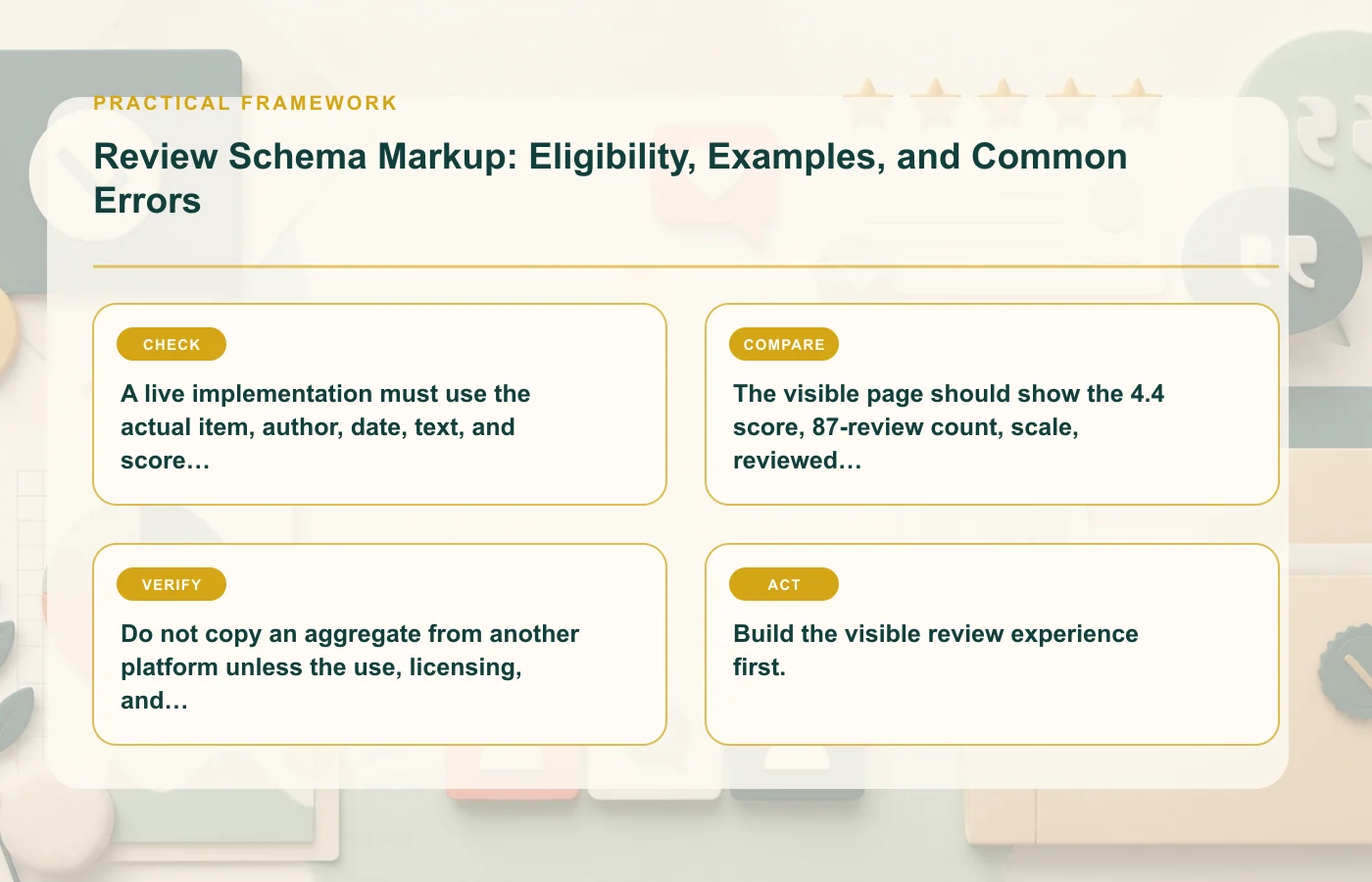
This is a syntax pattern with fictional names, not a real review. A live implementation must use the actual item, author, date, text, and score shown to visitors.
JSON-LD example for an aggregate rating
<script type="application/ld+json">
{
  "@context": "https://schema.org",
  "@type": "Product",
  "name": "Example Desk Lamp",
  "aggregateRating": {
    "@type": "AggregateRating",
    "ratingValue": "4.4",
    "reviewCount": "87",
    "bestRating": "5",
    "worstRating": "1"
  }
}
</script>
The visible page should show the 4.4 score, 87-review count, scale, reviewed product, and access to the underlying review information. Do not copy an aggregate from another platform unless the use, licensing, and structured-data policies permit it.
Common implementation errors
| Error | Why it fails | Better action |
|---|---|---|
| Markup-only rating | Visitors cannot see the represented content | Display the rating and reviews or remove markup |
| Organization rates itself | Self-serving review restrictions apply | Do not expect organization review stars on its own site |
| Wrong item type | The reviewed subject is not eligible for the feature | Use accurate schema without forcing review markup |
| One rating across many items | The page does not identify a single matching subject | Mark up each eligible item on its own relevant page |
| Stale count | Visible and structured values disagree | Generate both from the same current source |
| Valid syntax treated as a promise | Eligibility and display remain Google's decision | Validate, monitor, and avoid guaranteed-result claims |
Release checklist
- Validate vocabulary and syntax in Schema.org Validator.
- Test Google feature eligibility in Rich Results Test.
- Compare rendered text and JSON-LD values.
- Inspect a production URL after deployment.
- Monitor Search Console enhancement reports where available.
- Retest after template or data-source changes.
Build the visible review experience first. Add markup only after the page clearly identifies the item, source, score, author, and content a person can inspect.
Sources and tools
How this page was prepared
Reviewed by Social Proofs Standards Editor. Claims, terminology, and time-sensitive details were checked against the sources listed below and the page was last updated August 6, 2026.
AI-assisted tools supported research organization or drafting; editorial review remained responsible for source selection and the published conclusions.
Sources and verification
Primary and authoritative references used to verify this article: